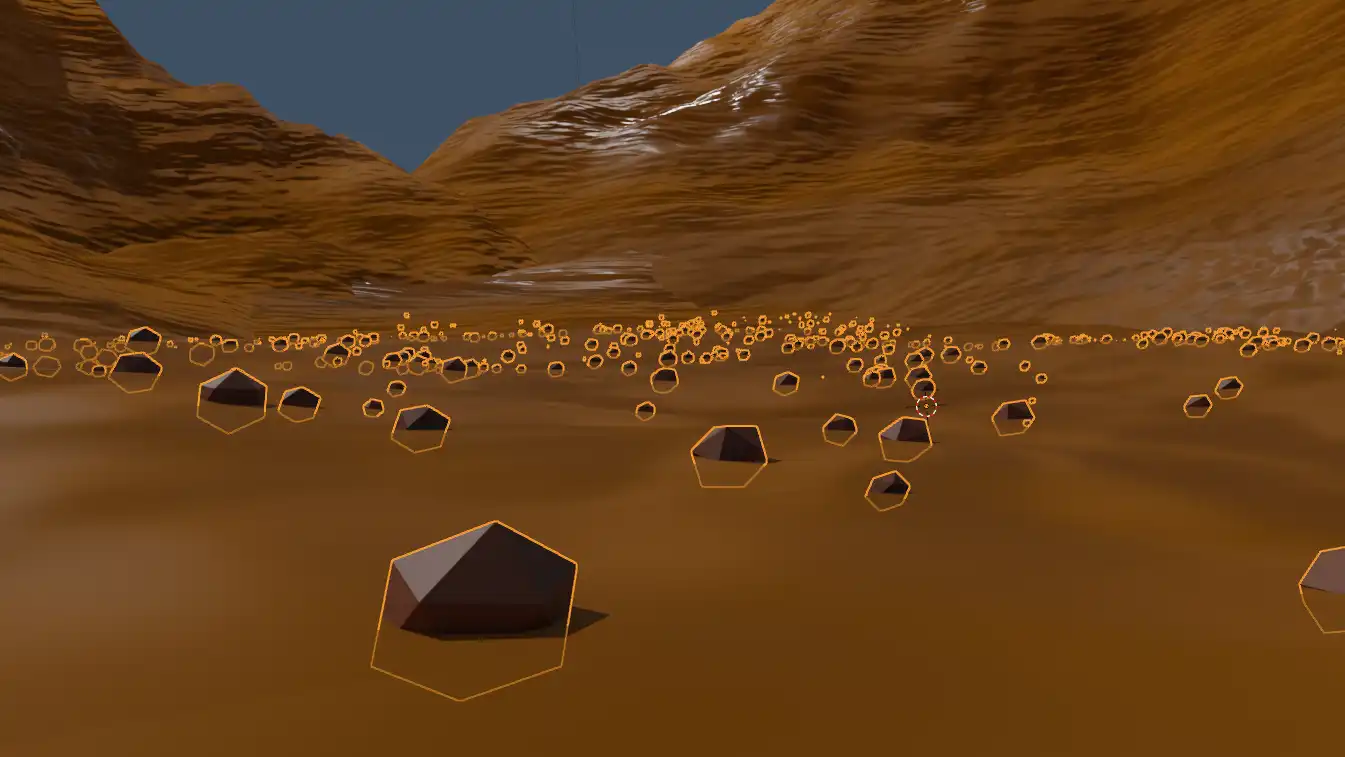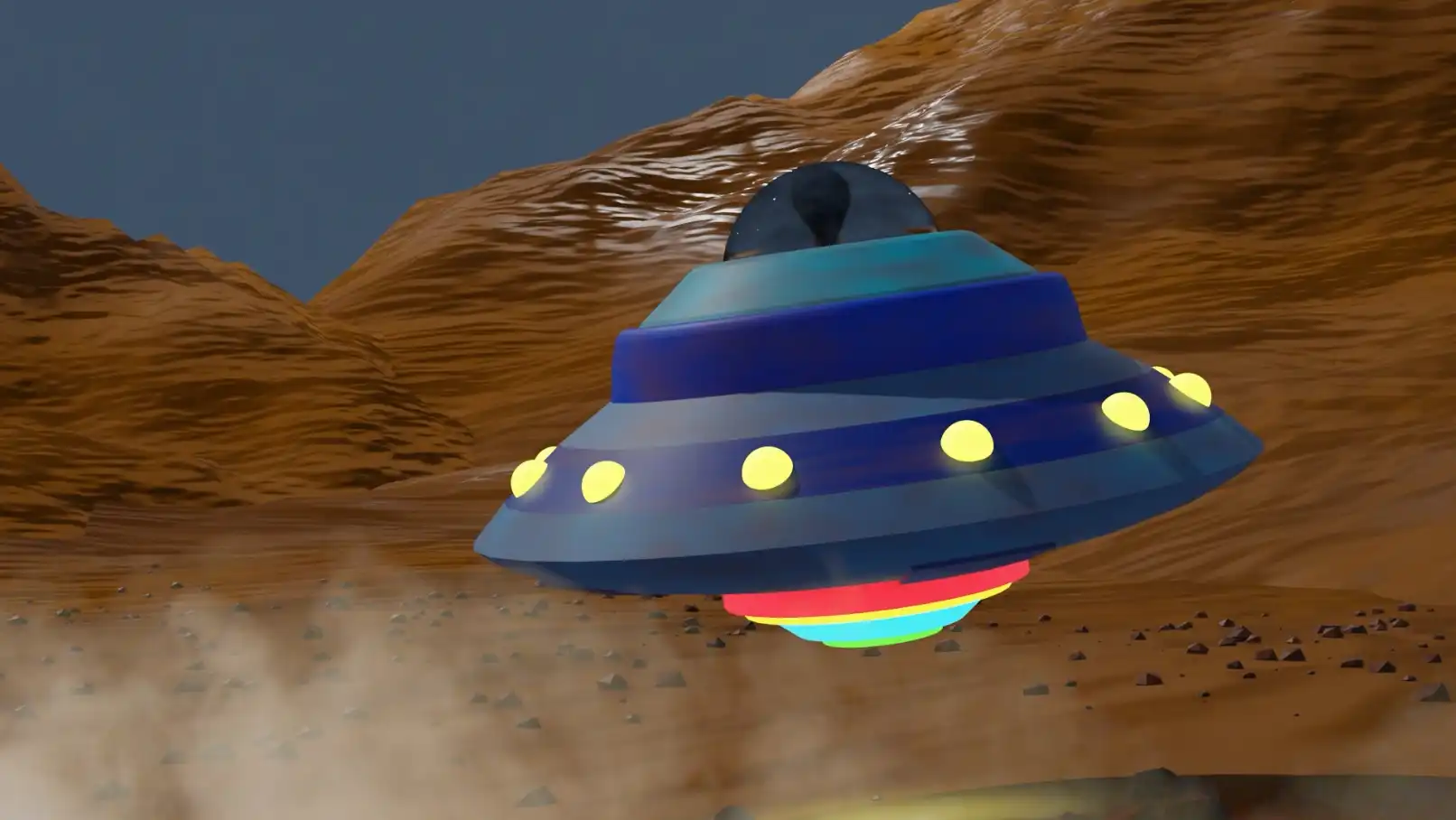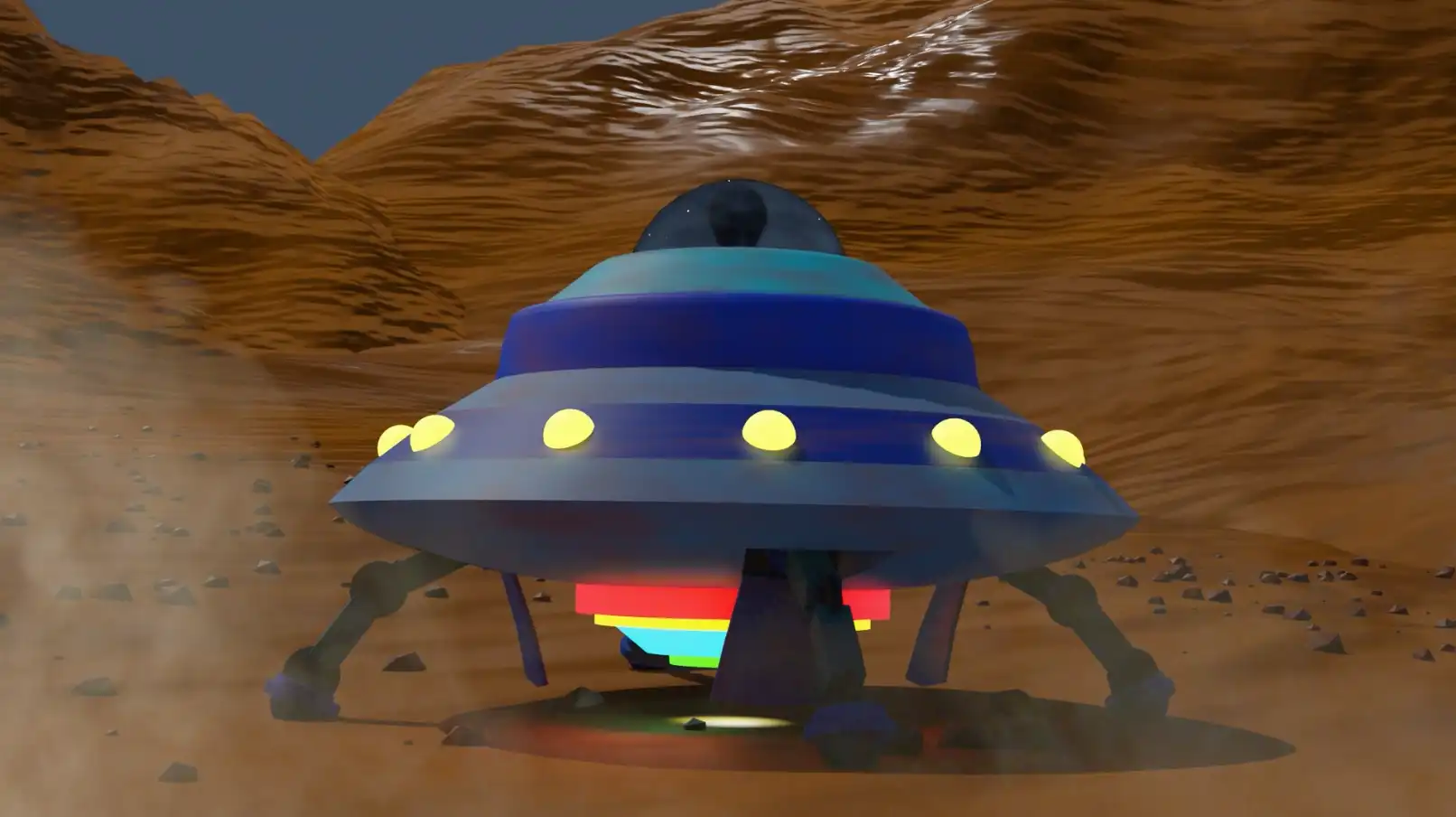



Emergency Landing is a simple first-year college project aiming to teach us how to generate landscapes and mass-produced objects (rocks in this case) in Blender.
We were also tasked to to animate the UFO as naturally as possible, so I tried my best to give it a bit of a lighter feel. I also took the time to add some visual effects and sounds in Premiere.

The environment was built using Blender's terrain generation tools. The scene is composed of 3 pieces of terrain stacked on top of each other. Meanwhile the rocks are generated using particle tools.
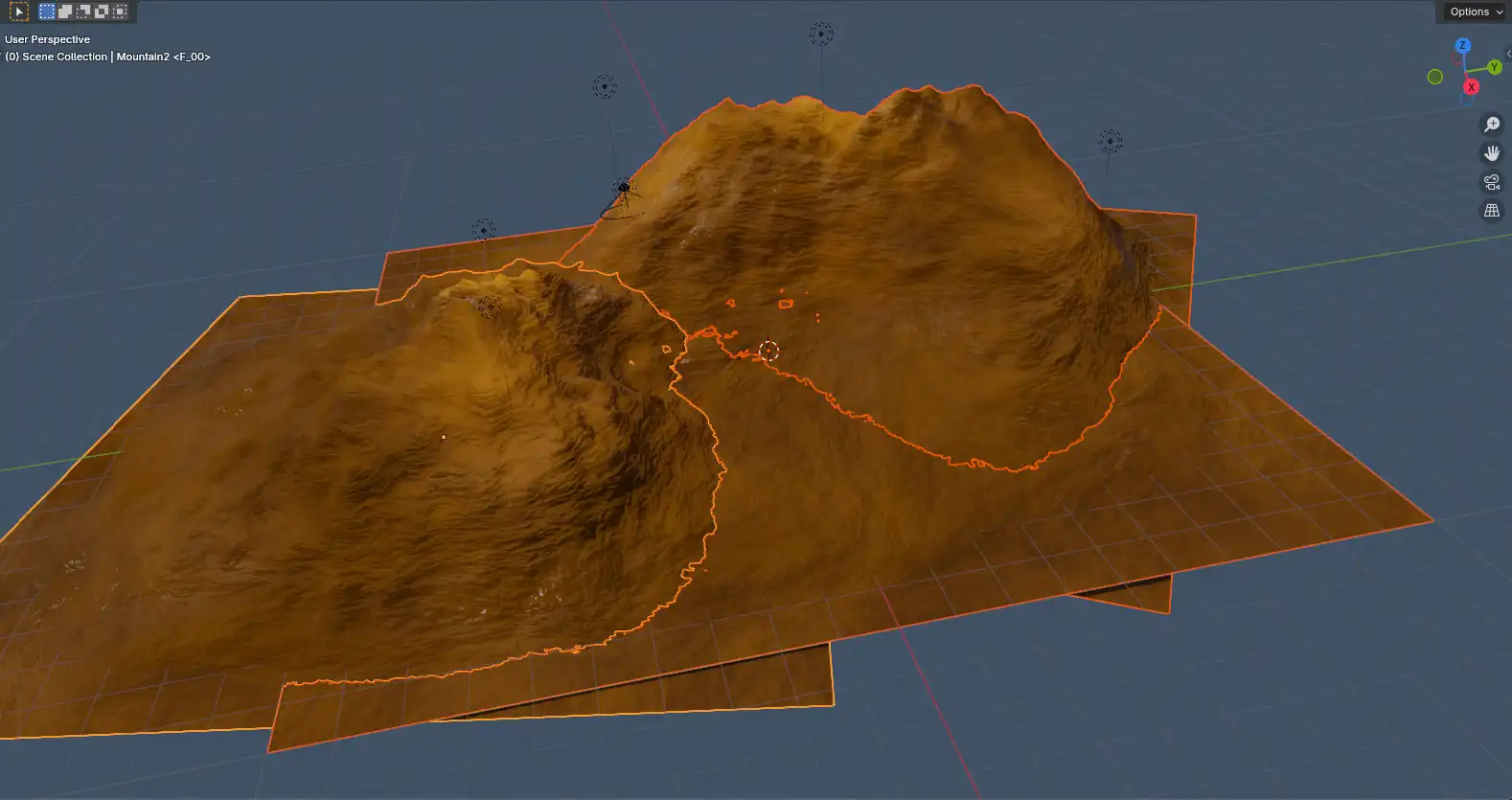
3 chunks of terrain are stacked
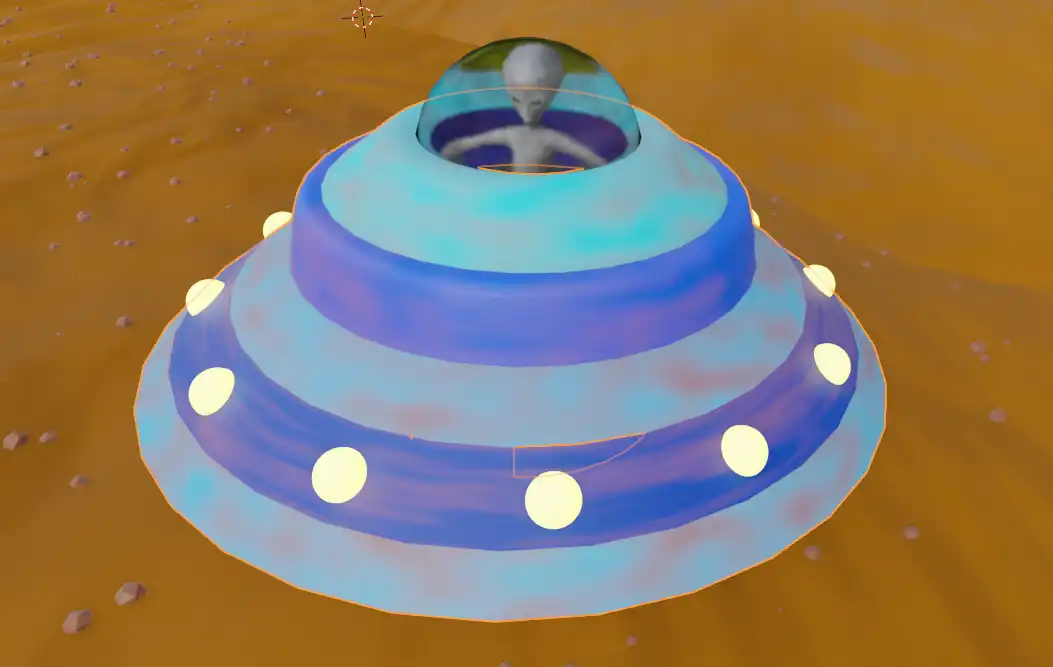
The UFO is modeled mainly using spheres that were cropped or extruded. A noise texture is then used to give it a dirty look, and a glass material is used for the window. The martian inside was provided to us by the teacher.
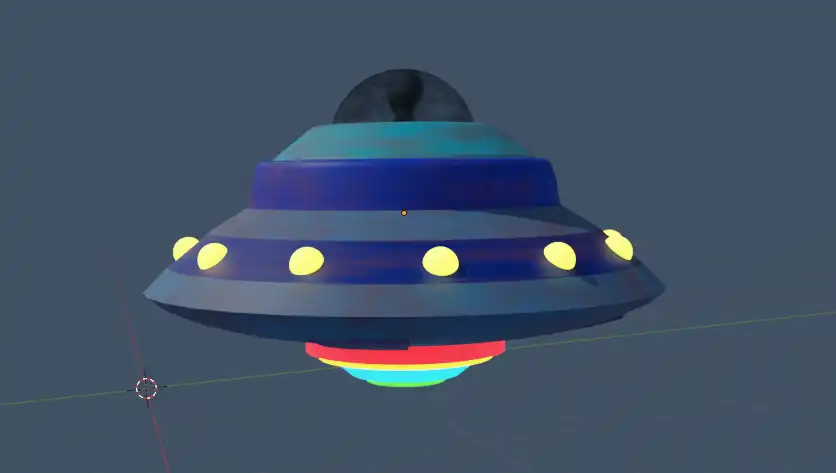
Model of the UFO
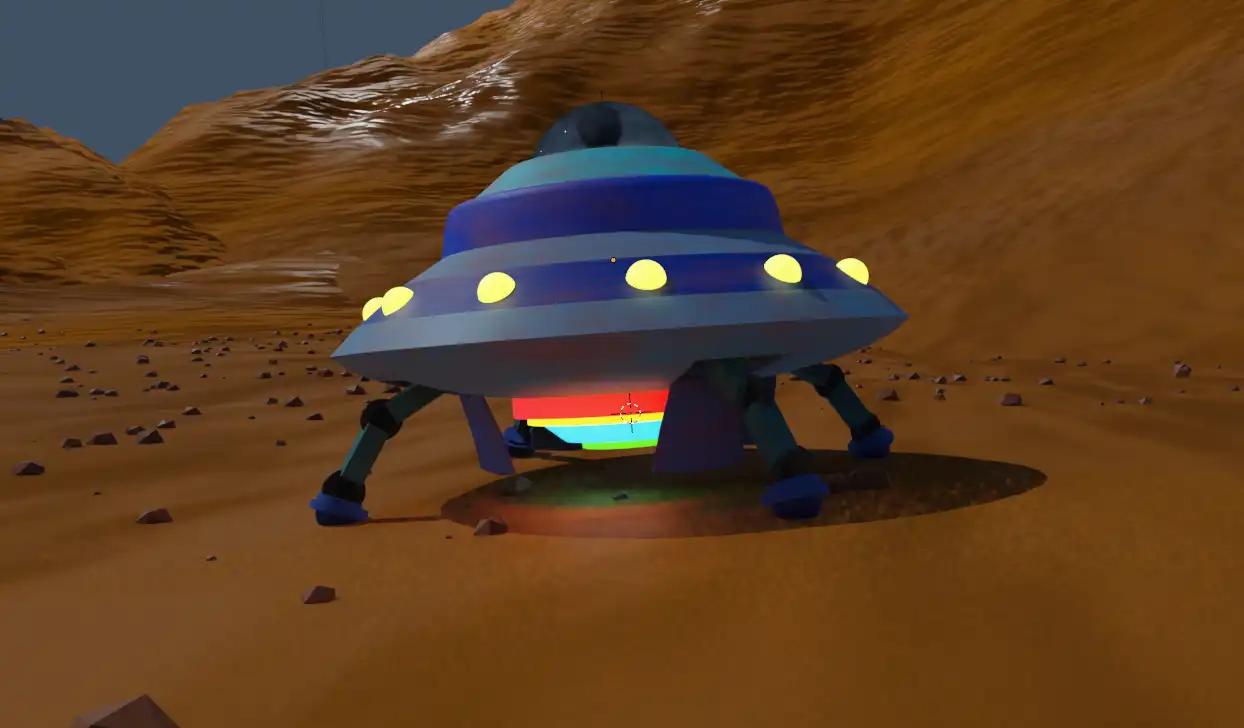
I then modeled the brakes (legs) that can be released from their hatch. These brakes have an armature allowing them to unfold.
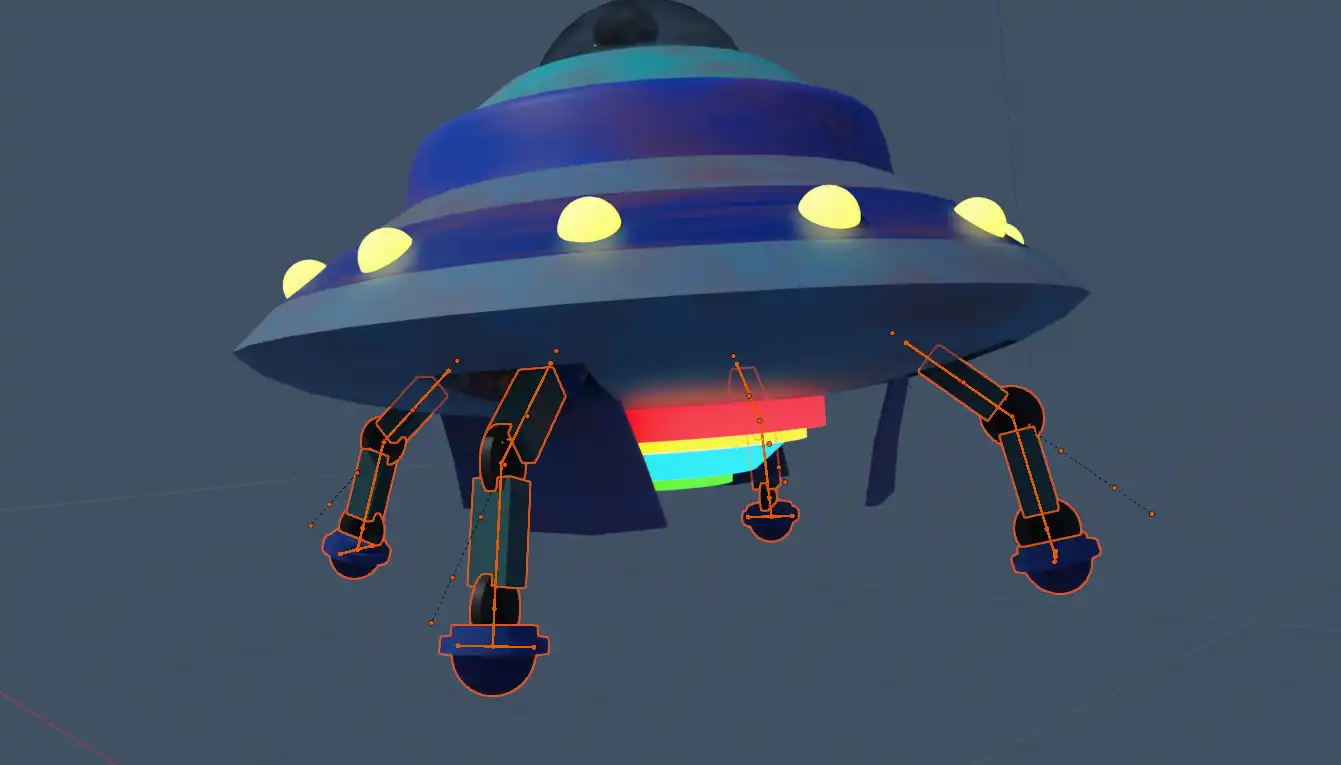
Brakes released
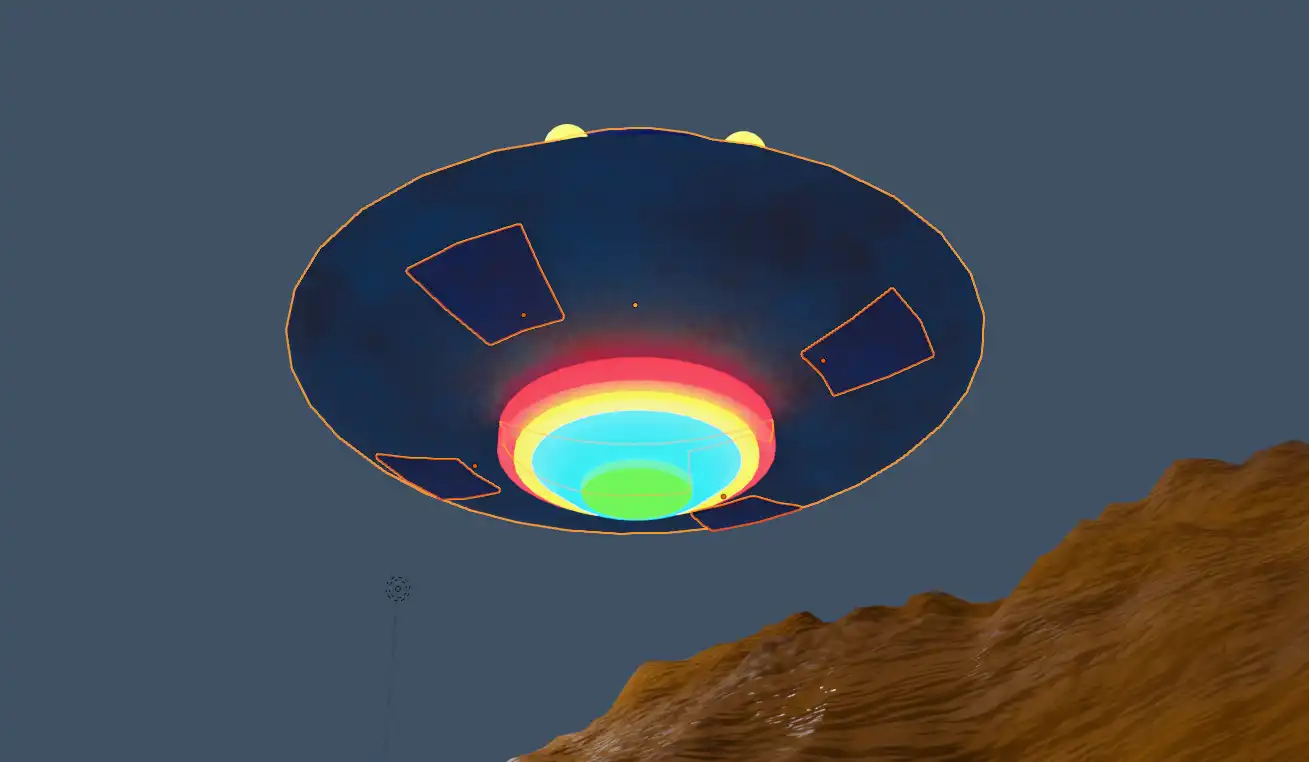
The UFO is animated to seem destabilized and lightweight, slowly tilting from one side to another. Once it stabilizes, the hatches open and the brakes come out. A small motion of bounciness is applied at the time of landing for some more realism.
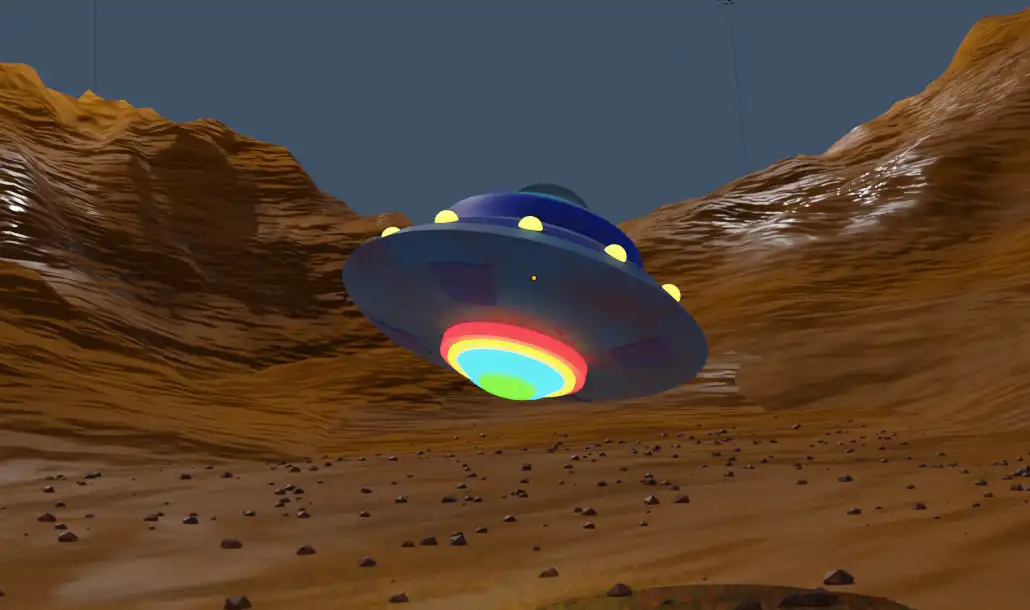
The UFO awkwardly floating around
Lastly, sound effects and dust are added in Premiere Pro. The dust effect was provided, while the sound effects were found on freesound.org.
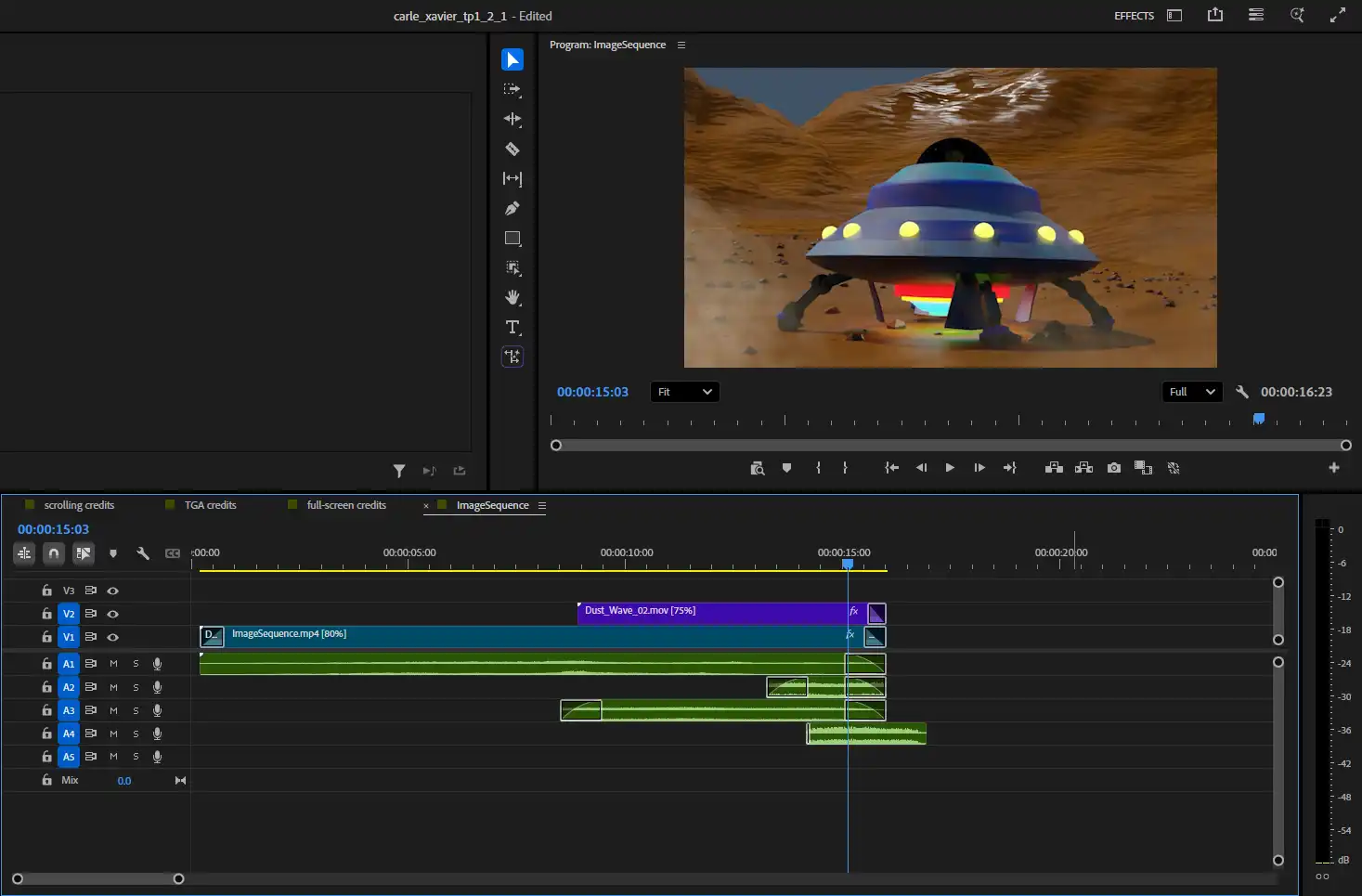
Sound effects in the editor

A simple little scene I modeled in 2 days.
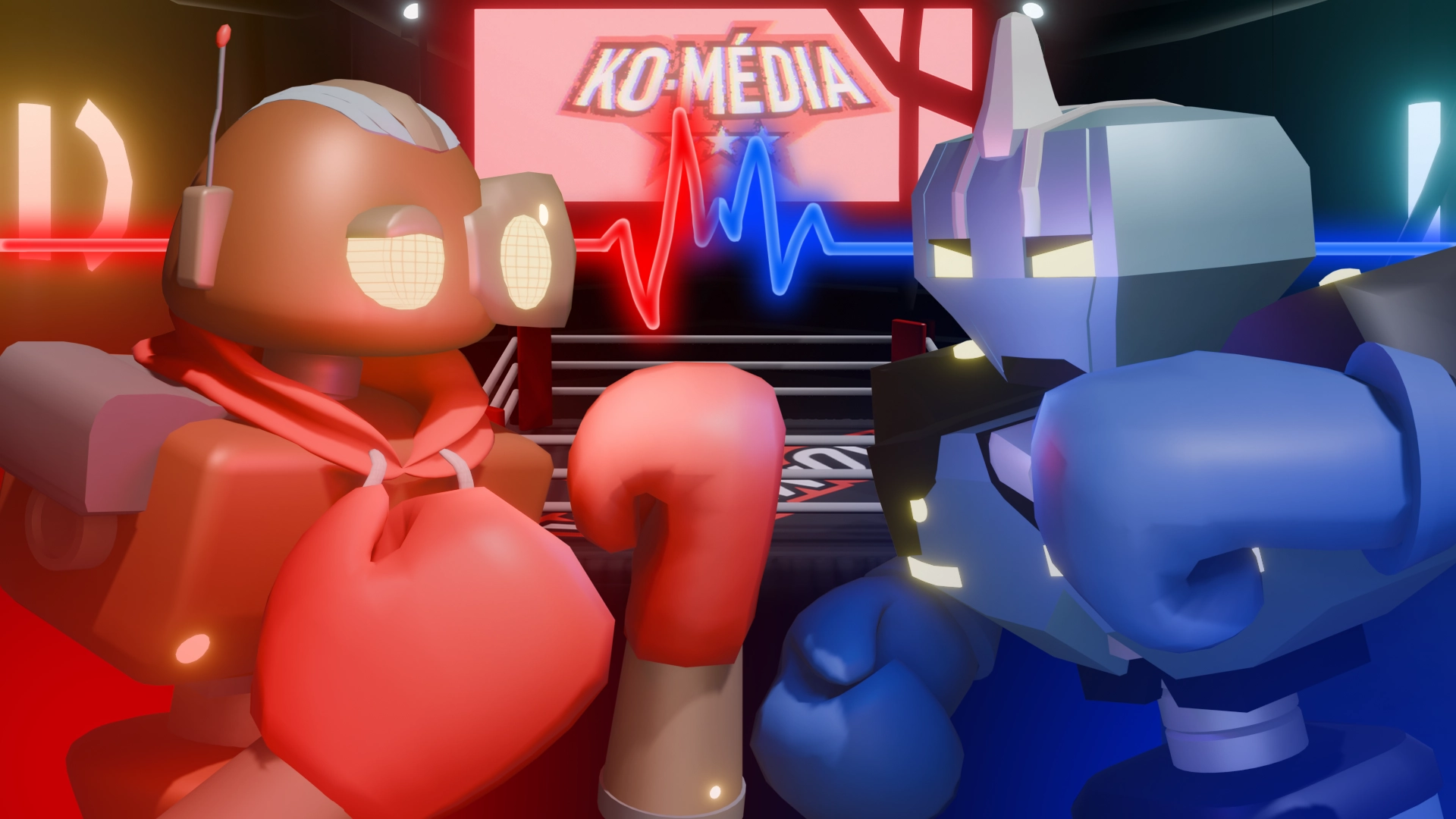
My contribution to a VR game for the event Chaos Média. All characters, environments and animations in the game were made by me over the course of a hundred hours across 2 months.