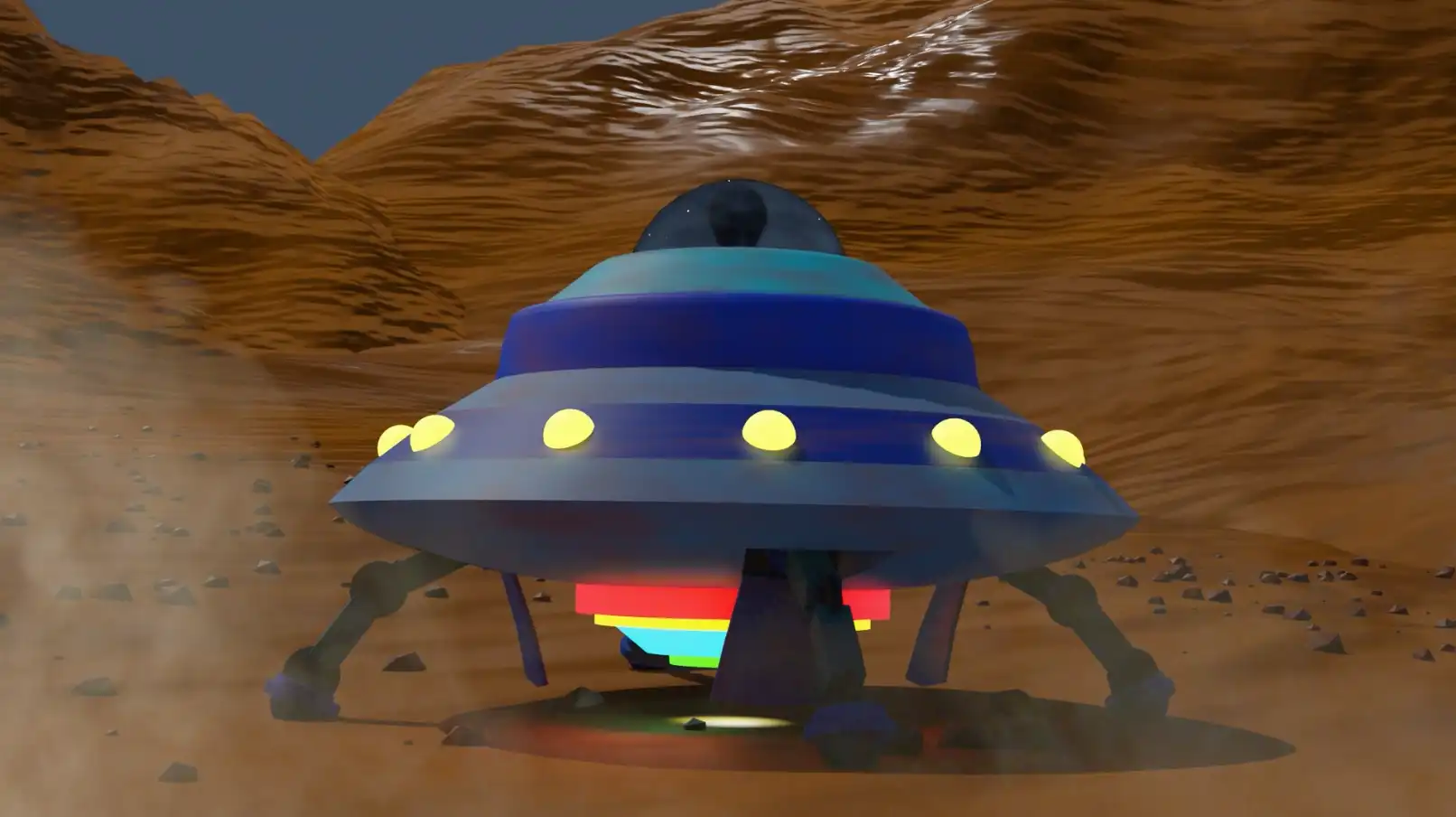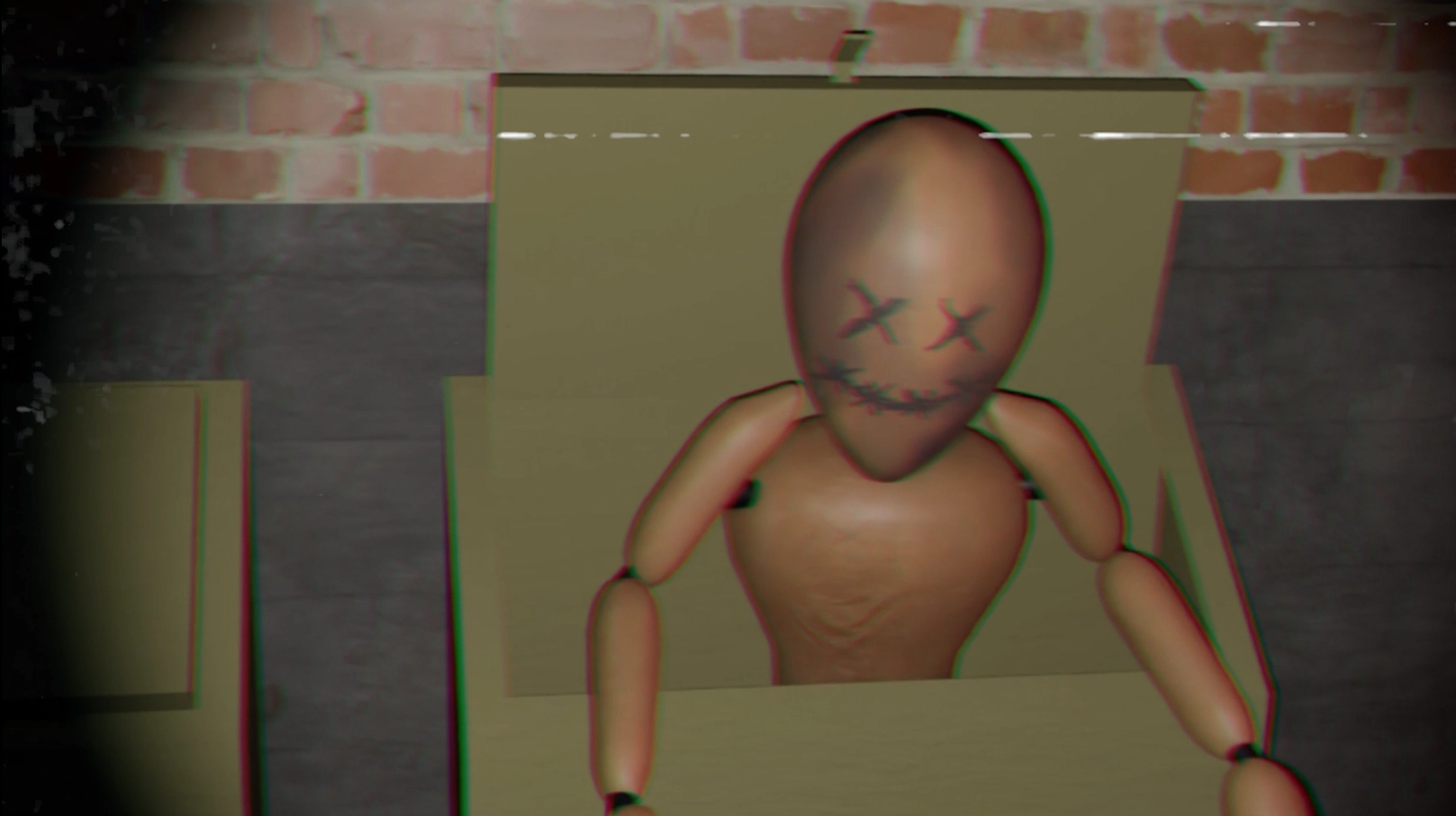



A Spooky Place is a school project themed around a dark alleyway where a character gets attacked by some creature. I opted for a first-person view, found-footage style, with mannequins as the antagonists.
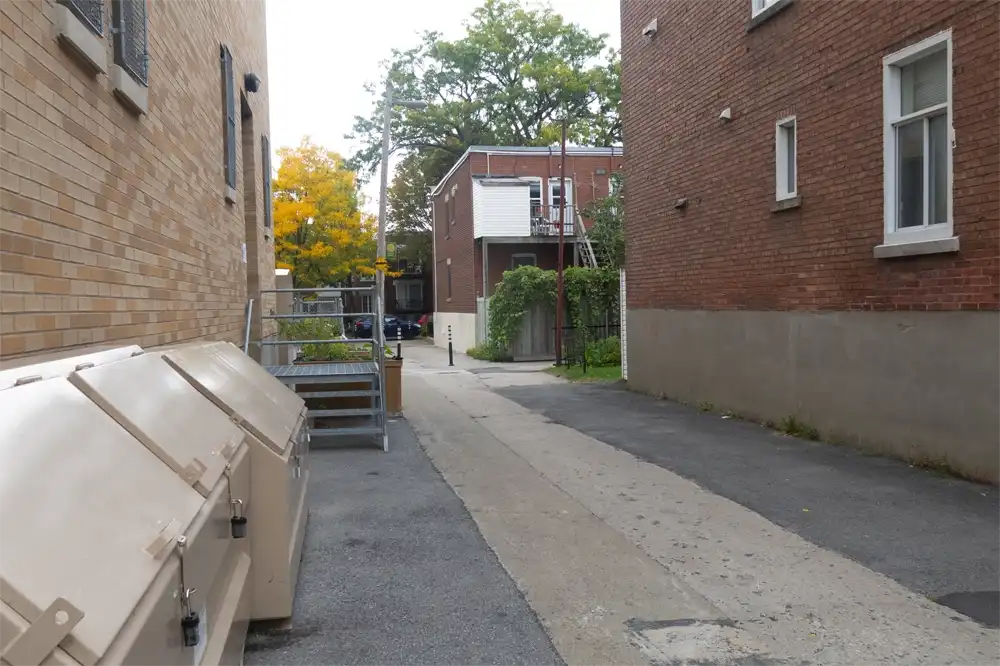
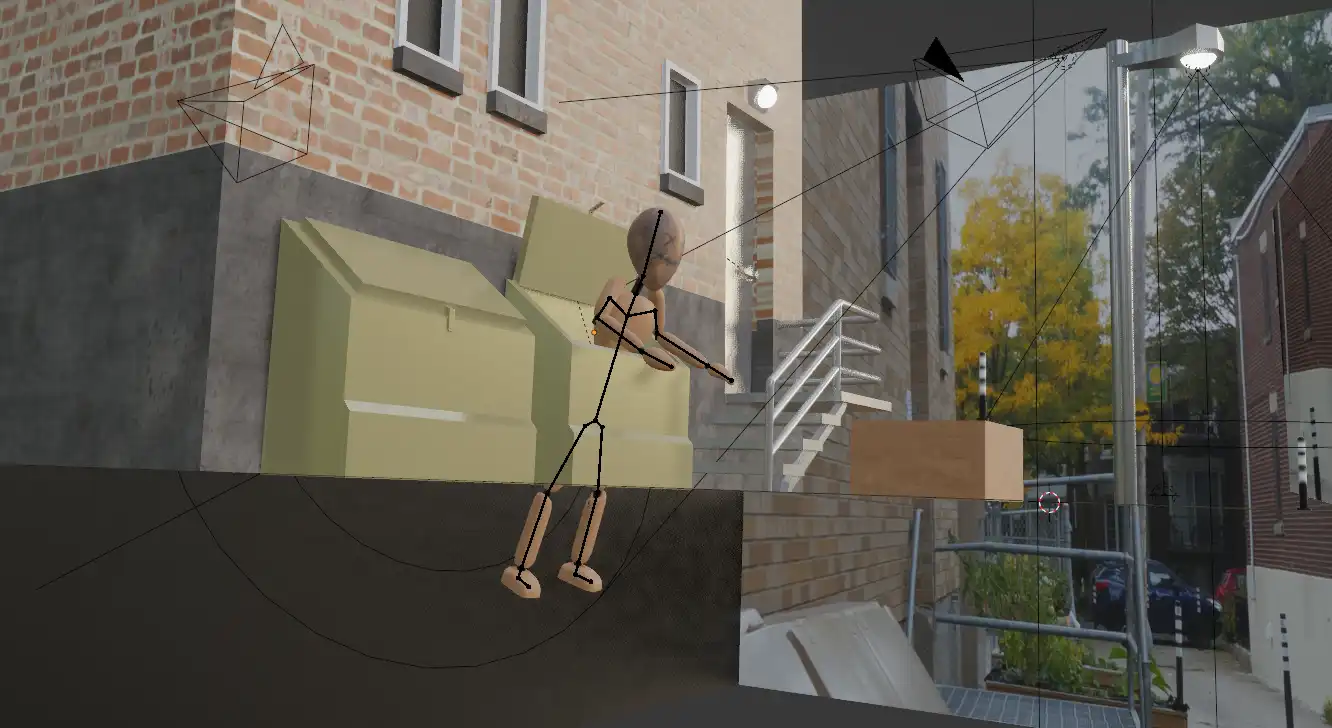
The project uses image projection on flat surfaces using fspy. The lighting also played a major role in the making of this project.

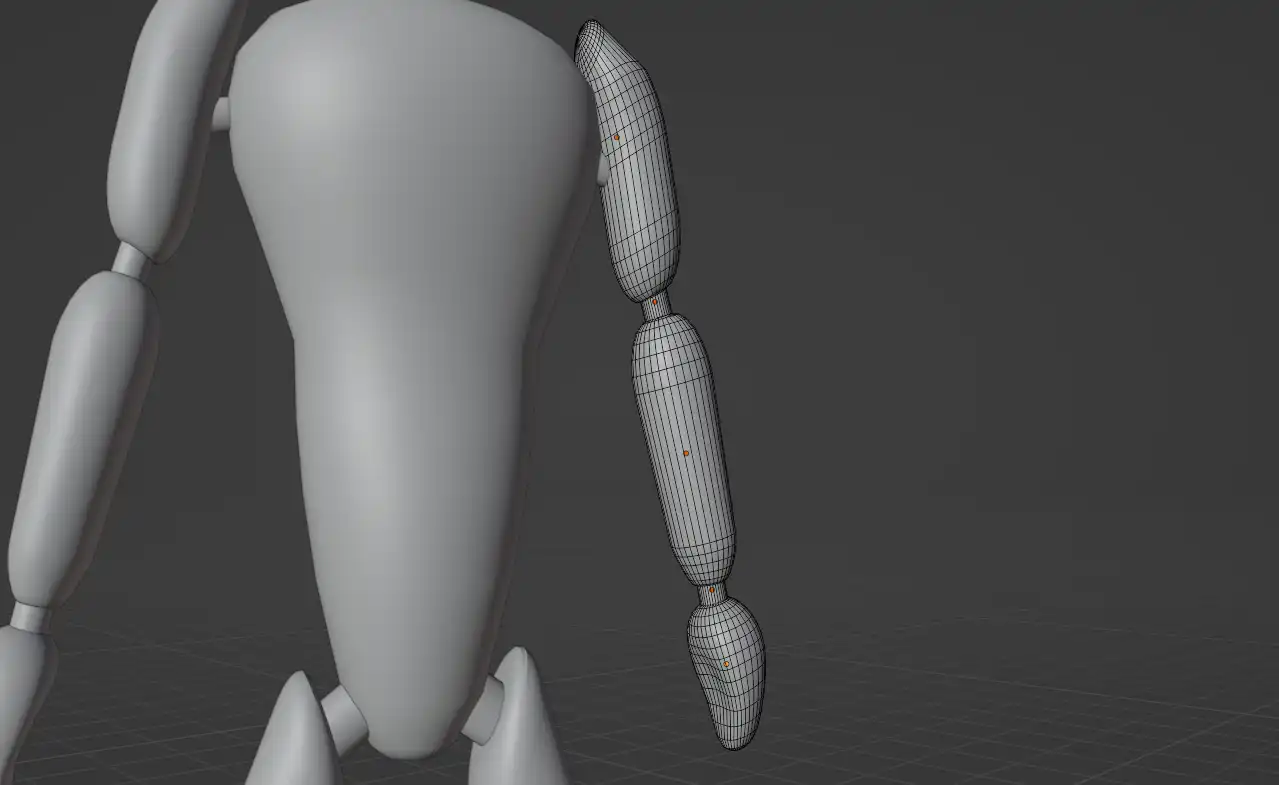
The mannequins all use the same very basic model. At the time I had not yet started working with the Subdivision Surface modifier, so the model is mainly composed of spheres and is horribly optimized. Meanwhile the arms, legs and joints are made with cylinders, which isn't much better.
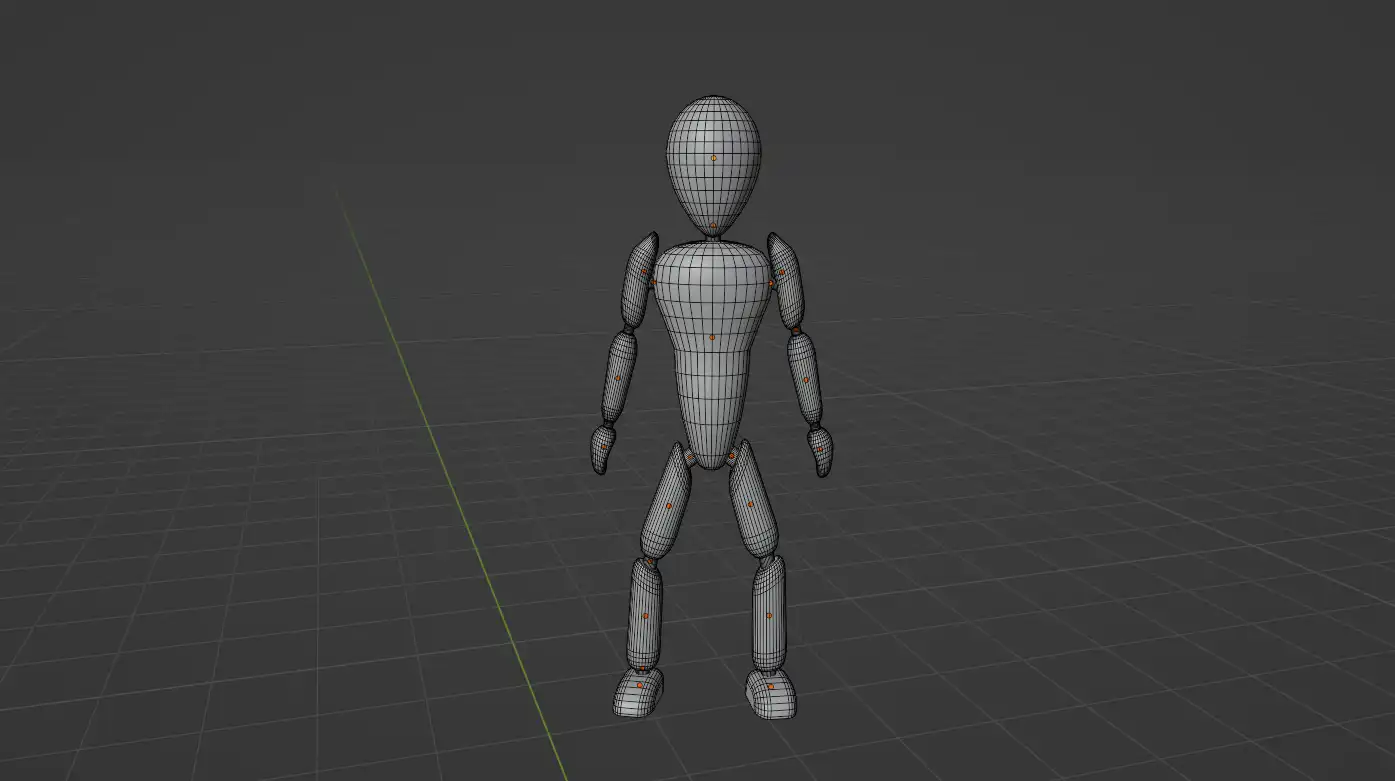
Mannequin full model
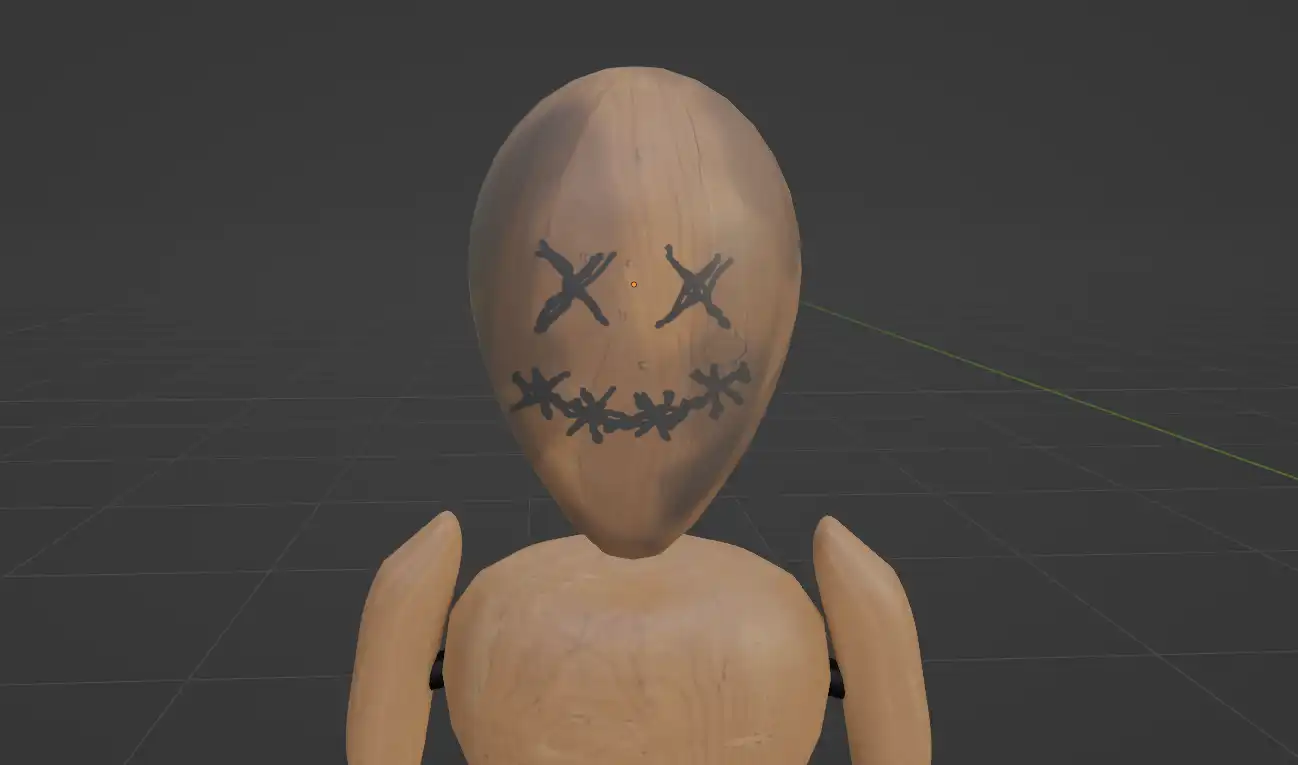
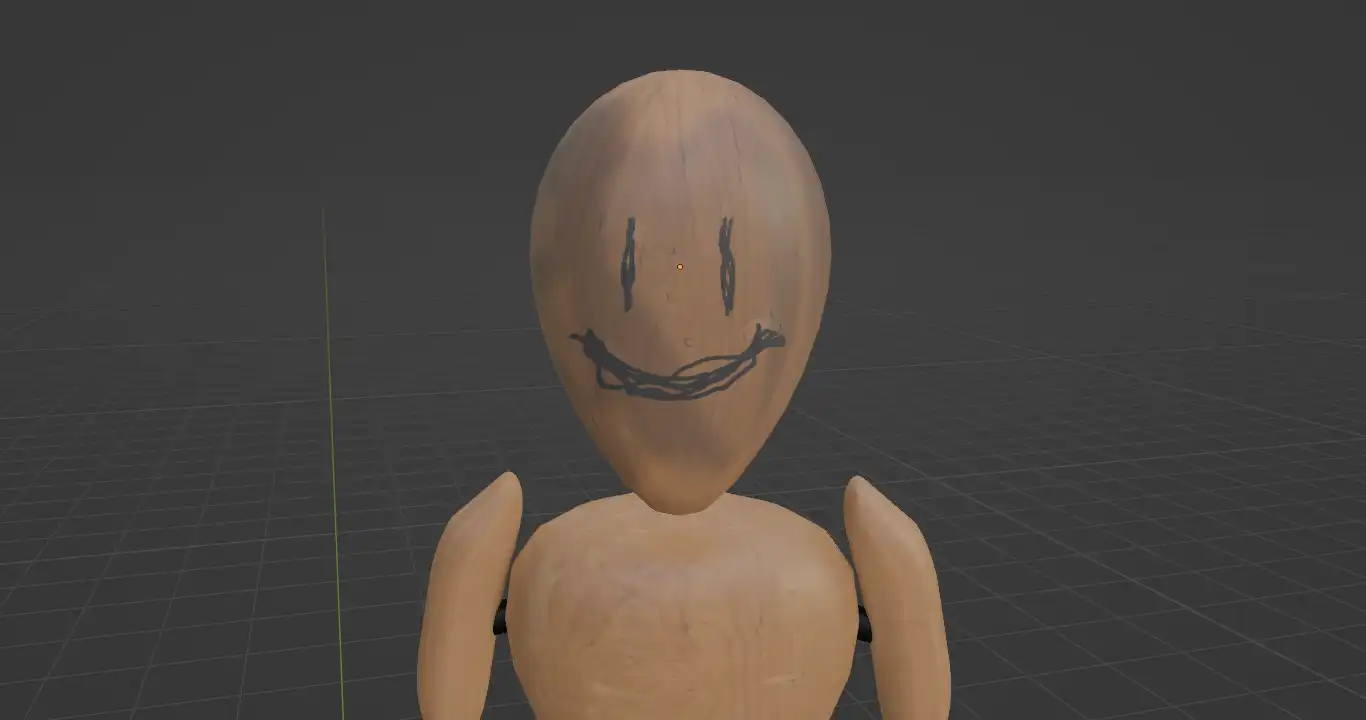
For the textures I experimented with Texture Painting so I could freely draw the mannequins custom faces and add some dirtiness. The third is the most hostile, so I gave it a more damaged, more haunted look so it looks more dangerous than the other two.
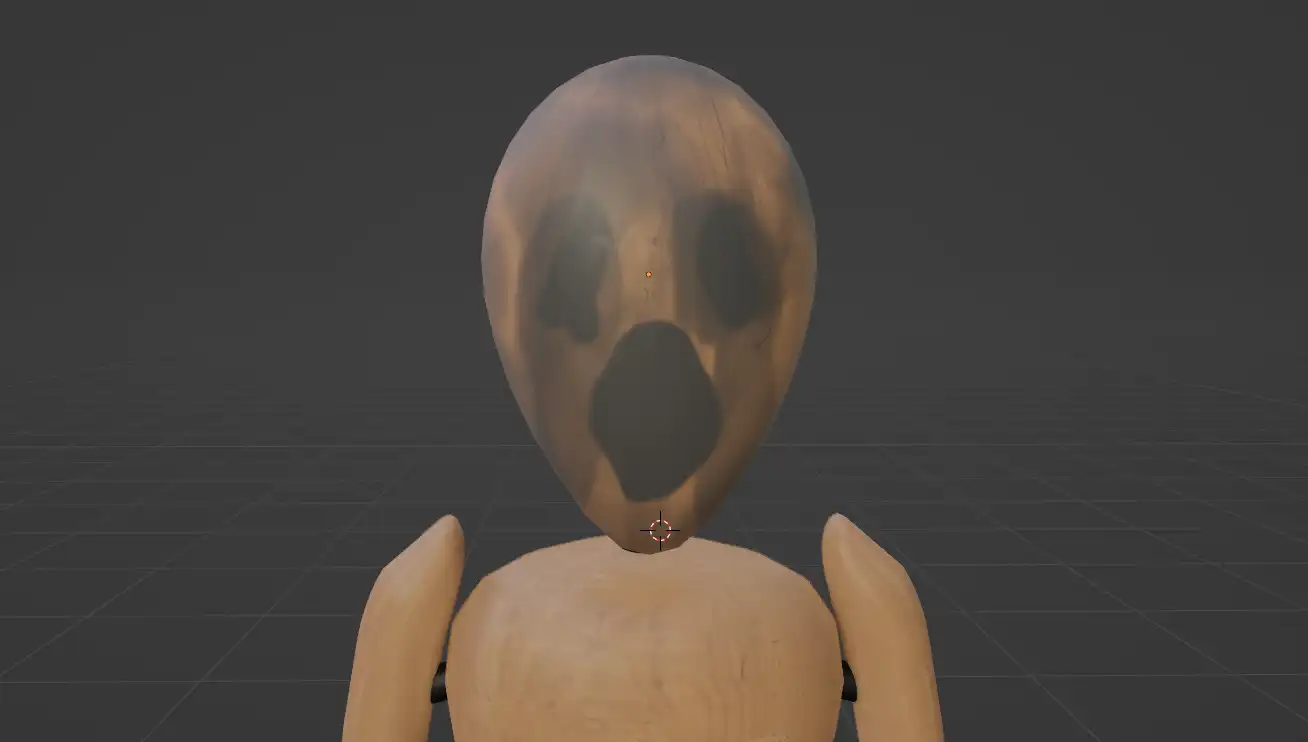
Third mannequin
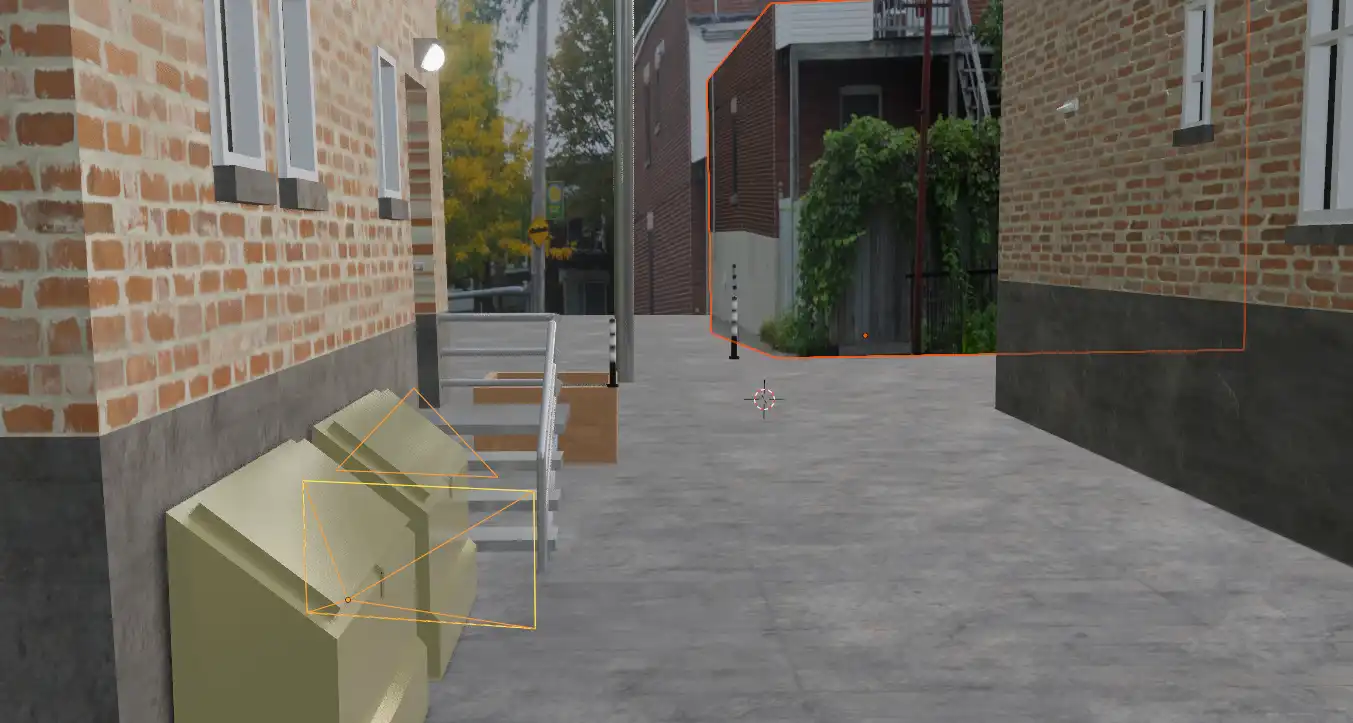
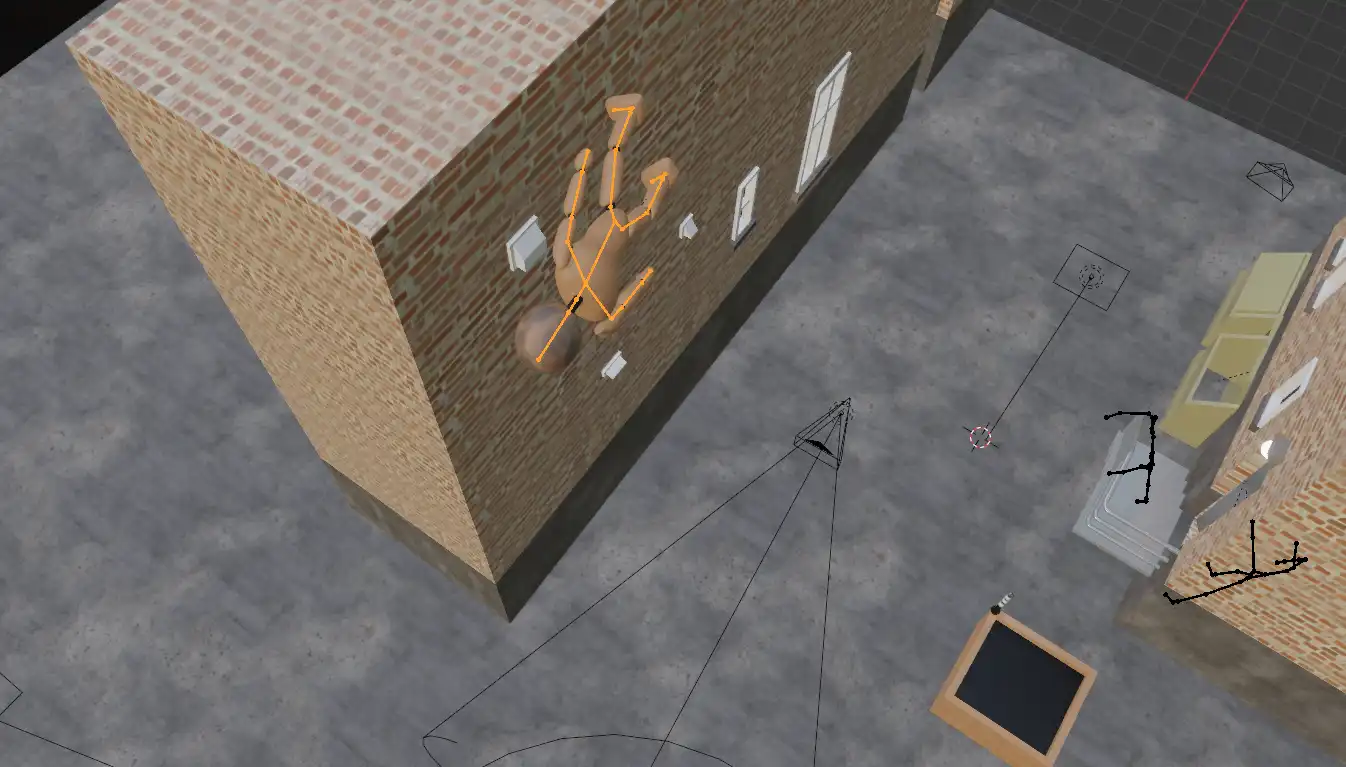
The environment is mainly composed of a bunch of basic shapes. The level of detail doesn't need to be super high since the sequence is going to be extremely dark. A photo provided by the teacher is projected in the background using a technology called fspy.
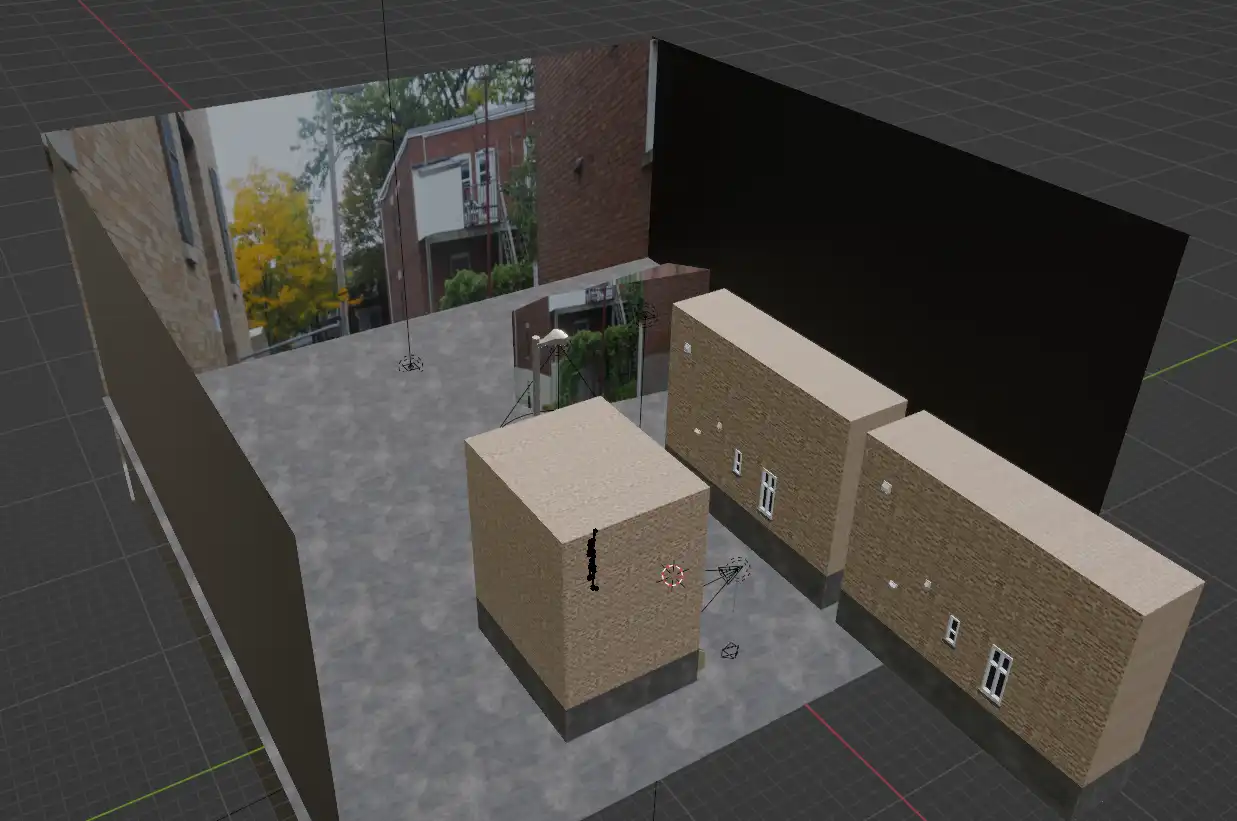
Entire scene
A spotlight is attached to the camera to simulate a flashlight. This light follows the camera, but can also be rotated freely to point where it needs to, so the sequence feels less stiff. The animation relies a lot on hiding things off-camera, so for example limbs that are not visible are not animated.
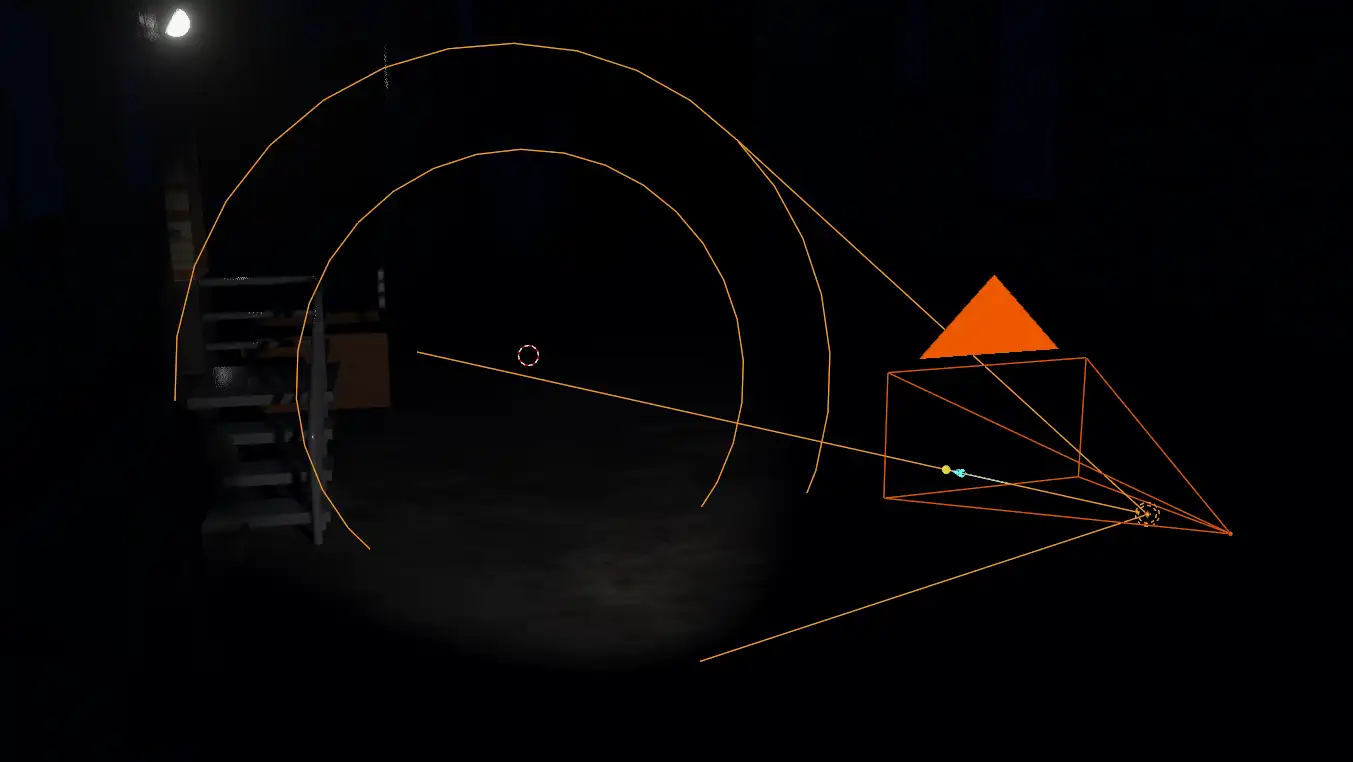
A spotlight follows the camera and is pointing in various directions
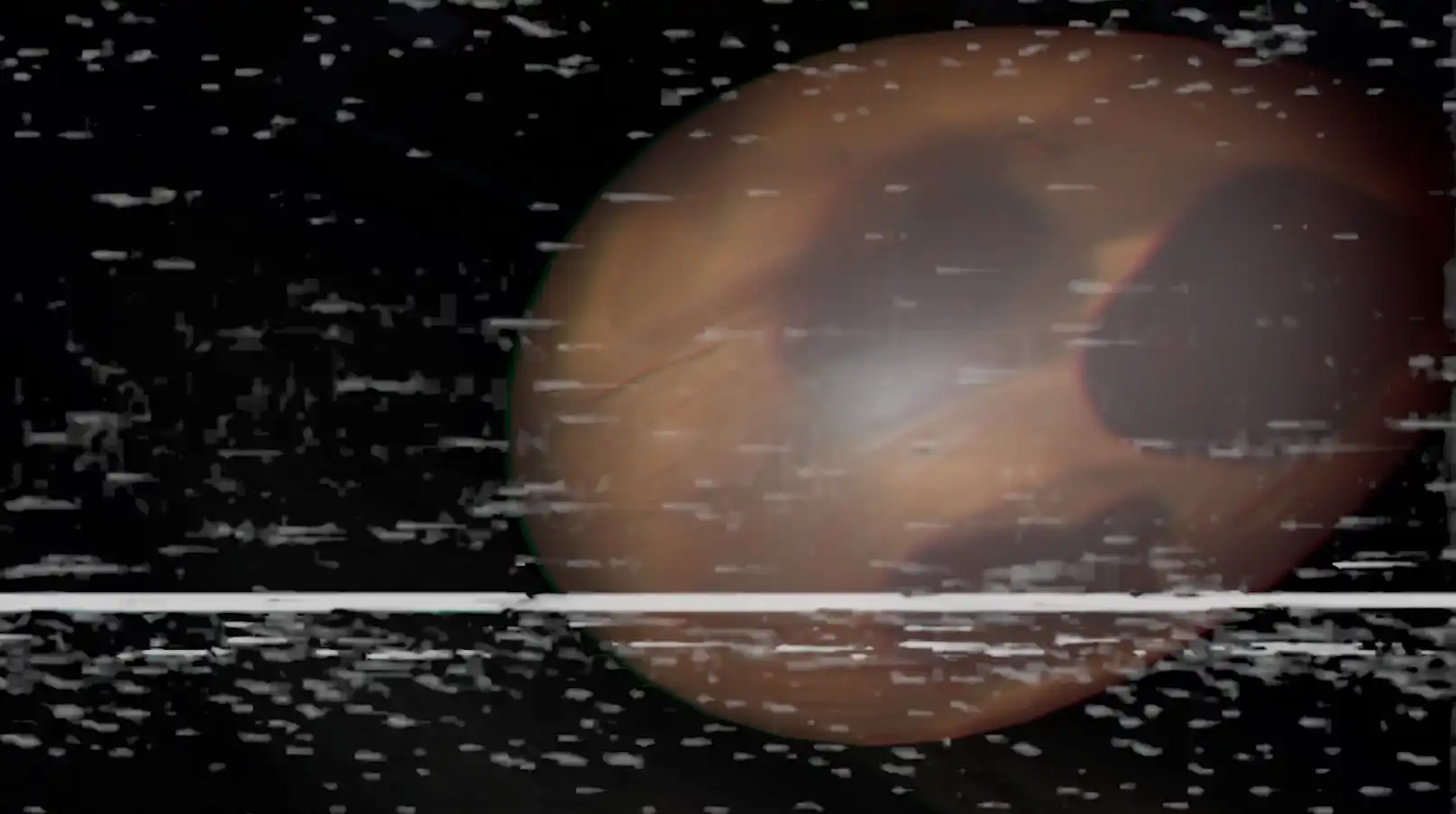
After that, all that's left is to add sound effects and camera filters in Premiere. The statics increase in density when the camera is pushed around or when we need to add dramatic effect.
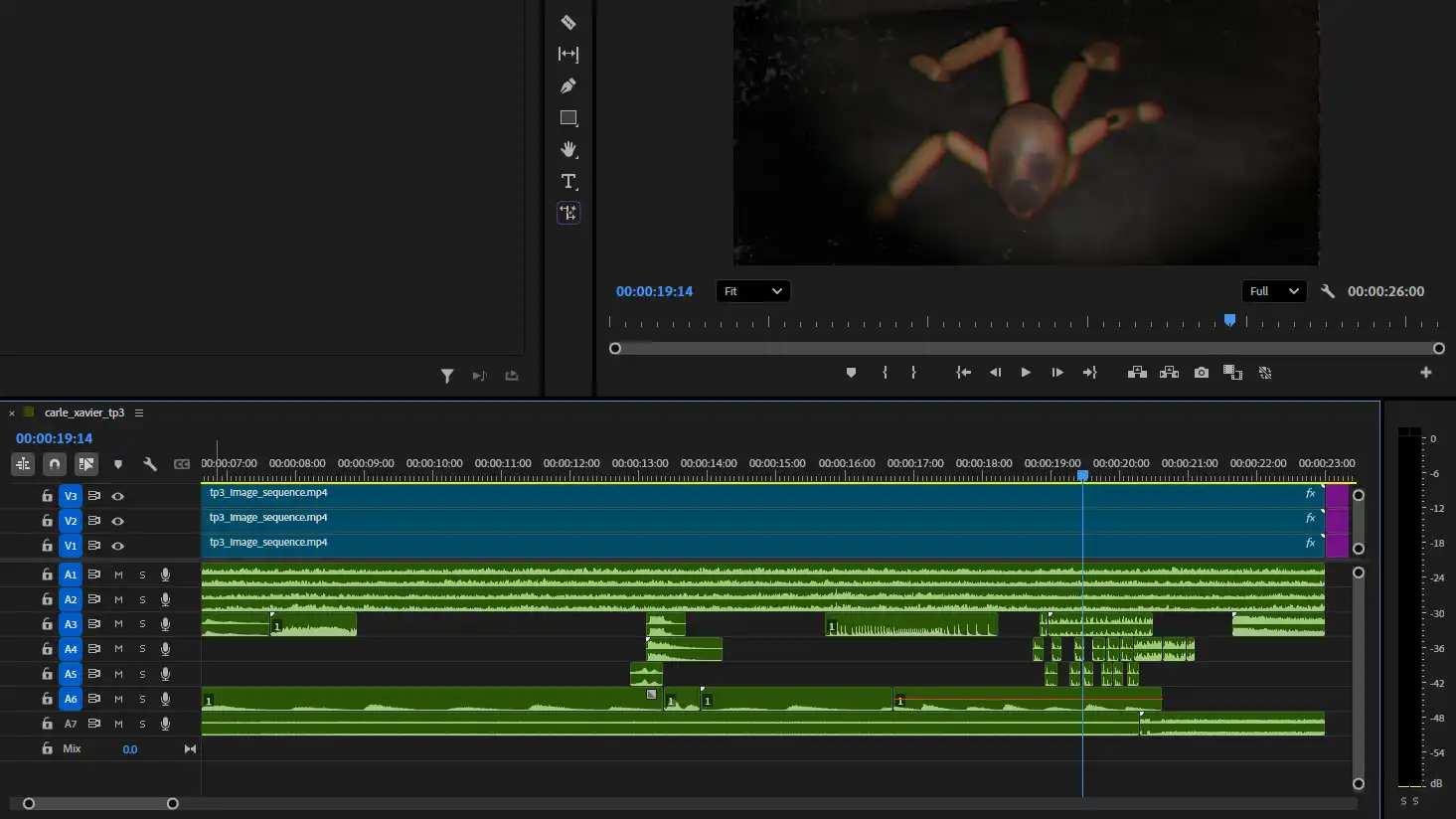
Process of adding sound effects